Contact Form 7 guide
How to track Contact Form 7 submissions without Google Analytics
Contact Form 7 sends email when someone submits — but email is not a lead log. This guide shows how to track every submission in WordPress with Lead Ledger, no GA events required.
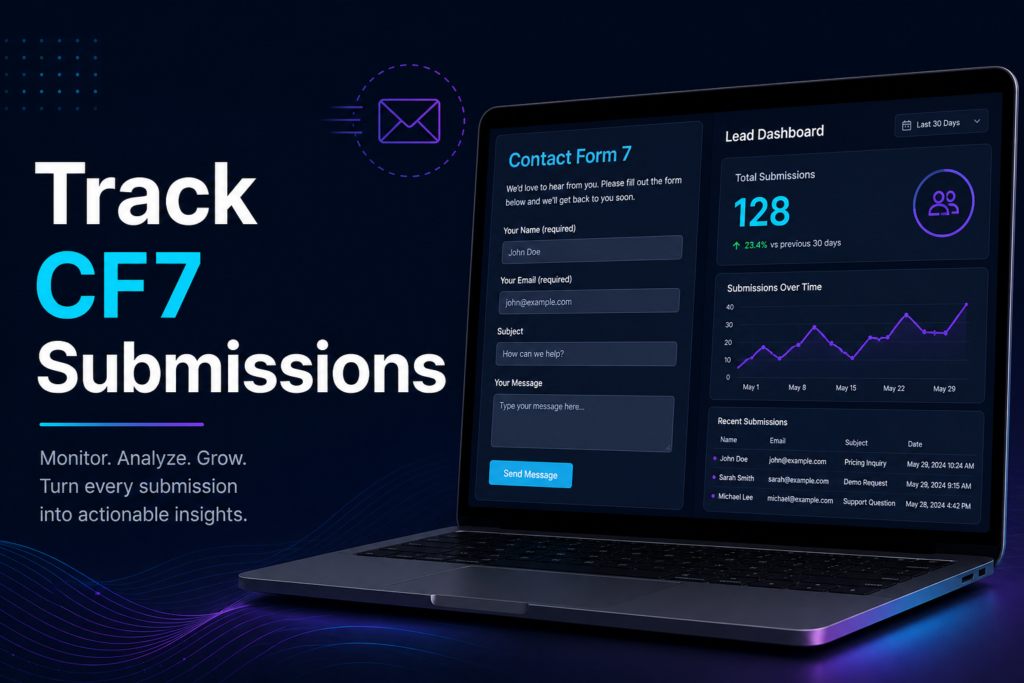
Why Contact Form 7 email is not enough
Contact Form 7 can email you each submission, and plugins like Flamingo can store messages — but neither gives you a weekly lead count, top pages, or phone-click context alongside form leads.
Google Analytics can count generic events, but setting up form conversion tracking takes time and still does not give you a searchable lead list with contact details.
- Email gets buried or fails when SMTP breaks
- No trend chart for forms vs phone clicks
- GA shows traffic, not a lead log with names and numbers
- Multiple forms are hard to compare week over week
Track Contact Form 7 with Lead Ledger (recommended)
Lead Ledger connects to Contact Form 7 on the free plan with unlimited form connections. Every submission is saved in your WordPress database — even when mail delivery fails.
- Searchable lead list with page URL and timestamp
- Instant email alert + Monday weekly digest
- Dashboard chart: forms vs click-to-call events
- Top pages and referrer domains
- Spam and vendor pitch detection built in
Google Analytics vs Lead Ledger for form tracking
GA4 is built for traffic and audience analysis. Lead Ledger is built for local business owners who need to know how many real inquiries the site produced.
Many sites use both. If you only care about leads, Lead Ledger alone is often enough.
Step by step
Track CF7 in about ten minutes
-
1
Install Lead Ledger
Go to Plugins → Add New, search “Lead Ledger”, install, and activate from WordPress.org.
-
2
Run the setup wizard
Pick your business type, connect detected CF7 forms, and set your first alert email.
-
3
Submit a test lead
Fill out the form on your site. It should appear under Lead Ledger → Leads within seconds.
-
4
Review the dashboard
Check this week’s totals, the 30-day chart, and top pages — no Google Analytics required.
FAQ
Contact Form 7 tracking questions
Keep reading
Related guides
Start tracking CF7 submissions today.
Install Lead Ledger free from WordPress.org — connect Contact Form 7 and see every submission in one dashboard.